Contact support
Stuck on something this Help Center doesn't answer? Write to us at roy@roydigital.in — a real person reads every message, and you'll usually hear back within about a day. Here's the fastest way to reach us and what to include so we can fix your issue on the first reply.
Email us from inside the app
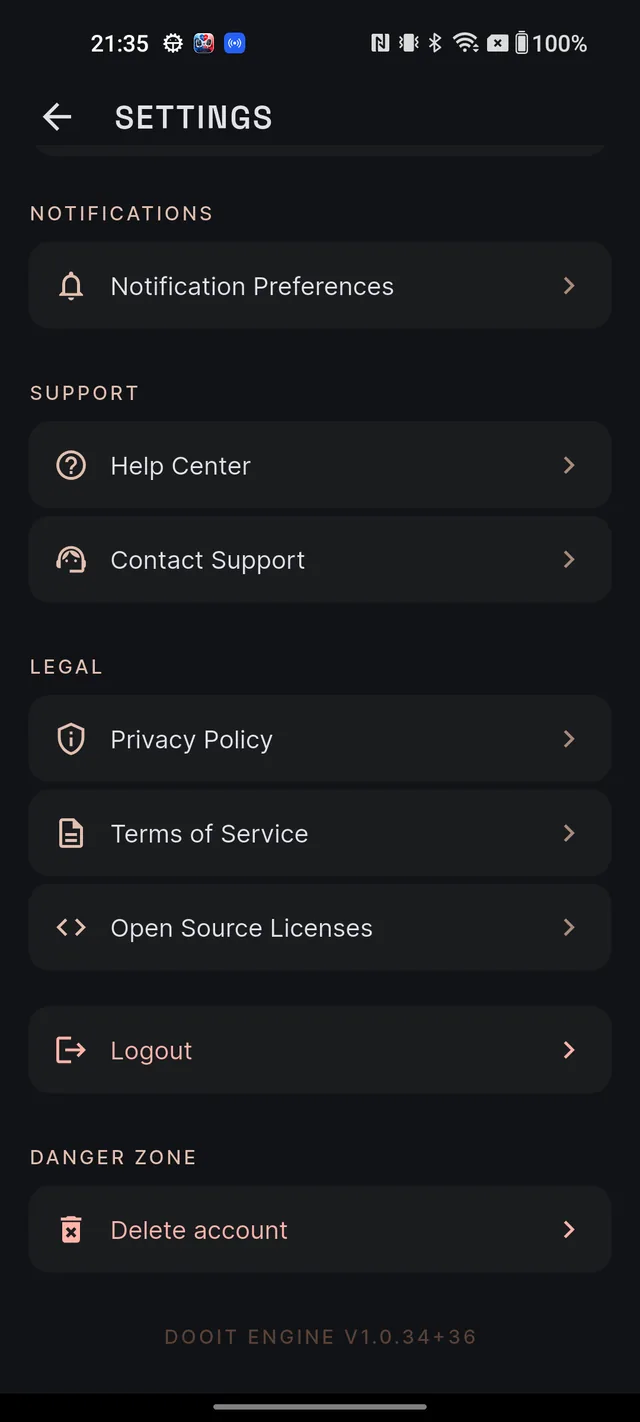
- Open your Profile and tap the gear icon (top-right) to open SETTINGS.
- Under SUPPORT, tap Contact Support.
- Your email app opens with a message already addressed to roy@roydigital.in — the subject and template include your app version and account email, which saves a back-and-forth.
- Describe your issue in the body and send.
No email app on your phone? No problem — Dooit automatically copies the address to your clipboard and tells you so. Paste it into any mail service, or simply write to roy@roydigital.in from a computer.
What to include
Five things turn a vague "it's not working" into a same-day fix:
- What you tapped — the exact steps, in order (for example: "MCQ → Polity → started a quiz").
- What you expected to happen.
- What actually happened — copy any message word for word.
- A screenshot, if the screen allows it. Study screens (answers, notes, quizzes, articles) block screenshots to protect content — for those, just type out what you saw.
- Your account email — the one you sign in with. It's pre-filled if you use Contact Support; add it yourself if you email from elsewhere.
Quicker routes for some problems
A few things have a faster lane than email:
A wrong fact, answer or explanation in the content — don't email it. Tap the small flag icon on that answer, question, note or article and submit a report. It gets verified against primary sources and the finding appears under My reports in your Profile. Full walkthrough: Report wrong content.
Something behaving oddly — check Common issues & fixes first; several "bugs" (yesterday's date on the feed, missing article images, black screenshots) are expected behaviour with a one-line explanation.
Billing, plans and refunds — see Billing FAQs. A refund within 14 days of purchase can be requested straight from the Subscription screen in the app.
The in-app Help Center
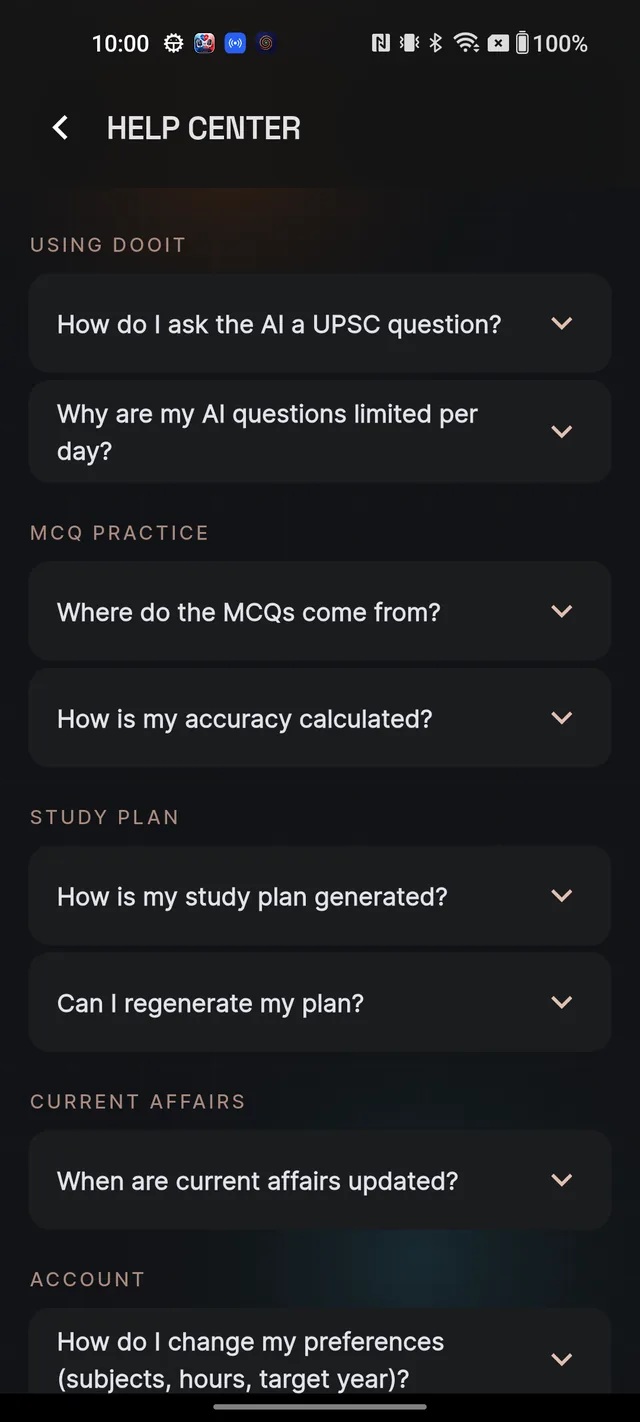
The app also carries a built-in help screen: from your Profile, tap the gear icon, then Help Center under SUPPORT. It holds quick FAQs on Q&A, MCQs, your study plan, current affairs and your account — in English or Hindi, following your exam language. At the bottom, the Still need help? row shows the support email: tap it to start a message, or use the copy icon to grab the address.
Frequently asked questions
How quickly will I get a reply?
Usually within about a day.
I found a wrong fact in a note or answer. Should I email support?
Use the flag icon on that content instead — reports are verified against primary sources and the finding appears in Profile, under My reports.
There is no email app on my phone. How do I write in?
Tap Contact Support anyway — Dooit copies the address to your clipboard so you can paste it into any mail service. Or write to roy@roydigital.in from any device.
My question is about payments or refunds. Where do I start?
Check Billing FAQs first — a refund within 14 days of purchase can be requested directly from the Subscription screen in the app. Email us if something still looks wrong.
Where is the help section inside the app?
Profile → gear icon → Help Center under SUPPORT — with the support email at the bottom.
Didn’t find what you needed? We are a small team and we read every message.
Email supportBack to Help Center