The audio warm-up coach
Many study notes open with a short spoken introduction — a 2 to 5 minute audio warm-up in a coach's voice that primes you on the topic before you read. Everyone can listen to a preview of roughly the first third; full-length playback, the full transcript and offline downloads come with the Dooit Elite plan.
What the warm-up is and where to find it
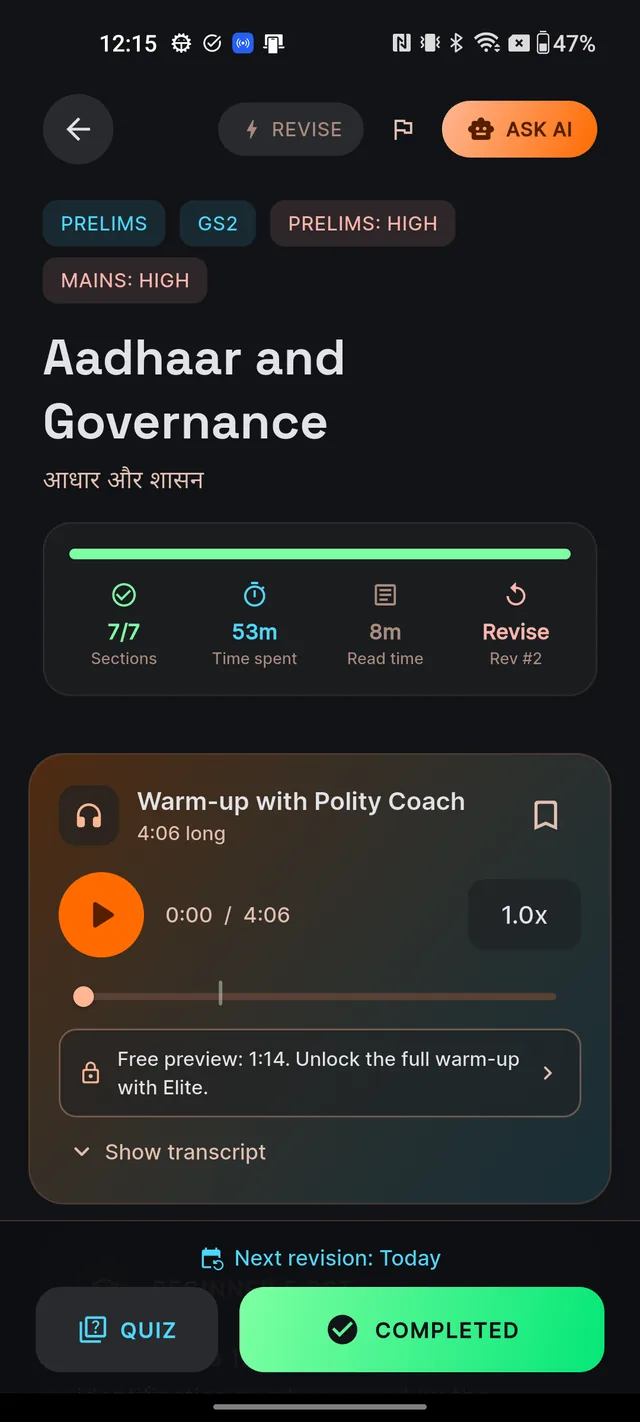
The warm-up appears as a card near the top of a study note, just below the reading stats and above the first section (see Reading a study note). Its header reads Warm-up with followed by the coach's name — for example "Warm-up with Meera" — because each subject has its own dedicated teacher voice. Before you press play the sub-line says Tap play to begin; once loaded it shows the length, such as "3:42 long".
Warm-ups are being added topic by topic. If a note doesn't have one yet, the card simply doesn't appear — nothing is broken. And if you study in Hindi but your topic's Hindi audio isn't ready yet, the English version plays with the notice "Hindi version coming soon — playing English warm-up for now."
Playing a warm-up
- Open a study note that has the warm-up card.
- Tap the large round play button. It shows a brief spinner while the audio buffers, then switches to a pause icon.
- Adjust as you listen: the time readout shows elapsed and total time, and the speed pill cycles 1.0x → 1.25x → 1.5x → 1.75x with each tap.
- Drag the slider to jump around. On preview plans a small lock marker on the track shows where the preview ends — you can't seek past it.
Two more icons sit on the player: a bookmark to save the warm-up (its tooltip reads Save warm-up, available on every plan) and a download icon (Download for offline, Elite only) — both covered below. Leaving the screen always pauses the audio. If the audio can't load on a weak connection, you'll see "Audio could not be loaded. Tap to retry." — tap the message to try again.
Reading along with the transcript
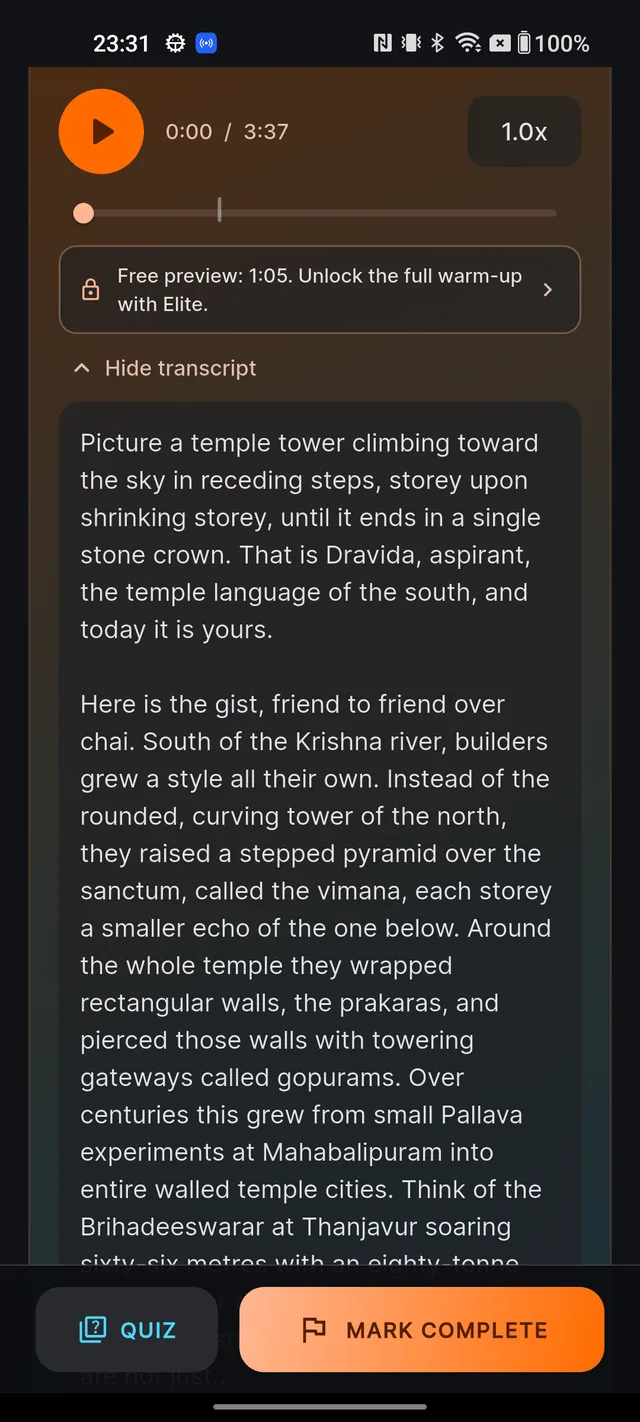
Below the player, tap Show transcript to expand the full script of the warm-up inline; tap Hide transcript to collapse it. On Free, Aspirant and Serious plans the transcript shows the preview portion of the words, ending with the line "— full transcript unlocked with Elite —". Elite members see the entire script.
Preview vs Elite
Every plan can preview every warm-up — playback runs to roughly the first third, then pauses automatically. A banner under the slider shows your exact preview length, in the style "Free preview: 1:07. Unlock the full warm-up with Elite." Tapping the banner (or hitting the preview limit) opens the upgrade sheet titled Unlock the full warm-up, which shows the Dooit Elite plan with its current Google Play price and an Upgrade to Elite button — the purchase runs through Google Play. Tap Maybe later to keep previewing. If you do upgrade, the player unlocks immediately. For the wider plan comparison, see Free vs paid and Subscribe, manage, cancel.
| What you can do | Free / Aspirant / Serious | Elite |
|---|---|---|
| Preview playback (about the first third) | Yes | Full length instead |
| Full-length playback | No | Yes |
| Transcript | Preview portion only | Full script |
| Save (bookmark) warm-ups | Yes | Yes |
| Download for offline listening | No | Yes |
Saving warm-ups and listening offline
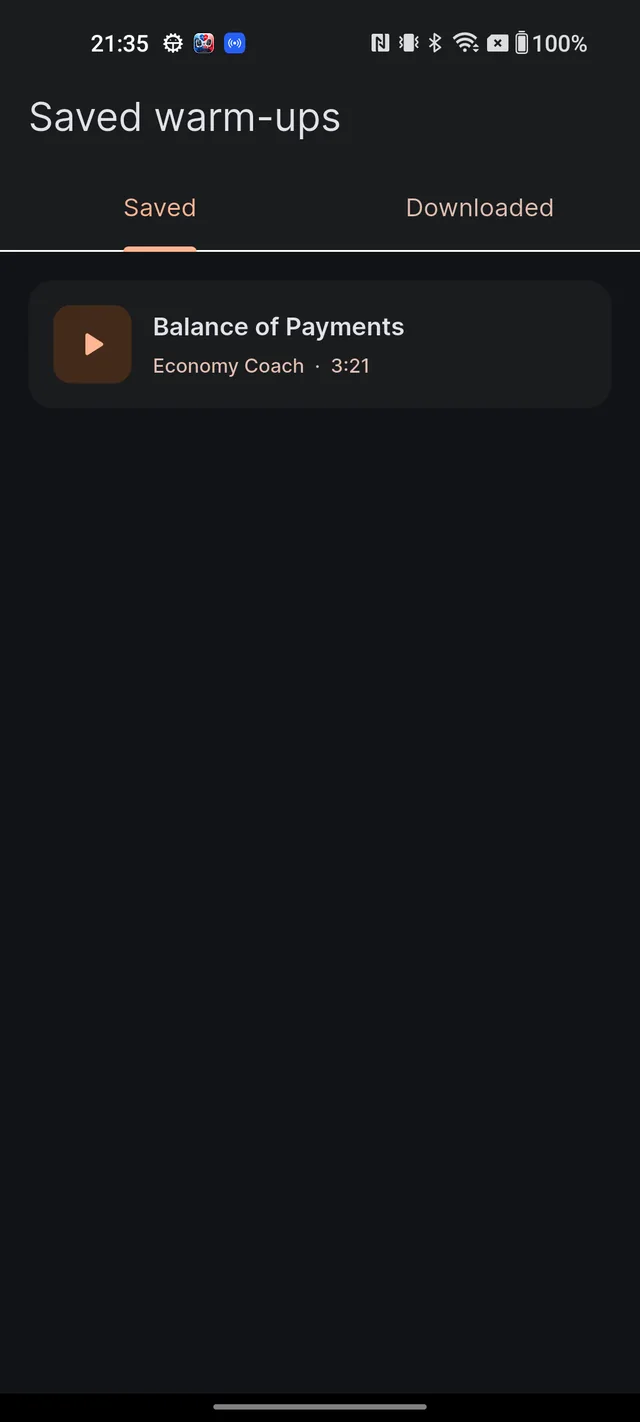
Saving works on every plan. Tap the bookmark icon on any player to save a warm-up; tap again to unsave. Your saved list lives in Profile → Saved warm-ups, under the Saved tab — it syncs with your account, and tapping any row reopens the player in a sheet.
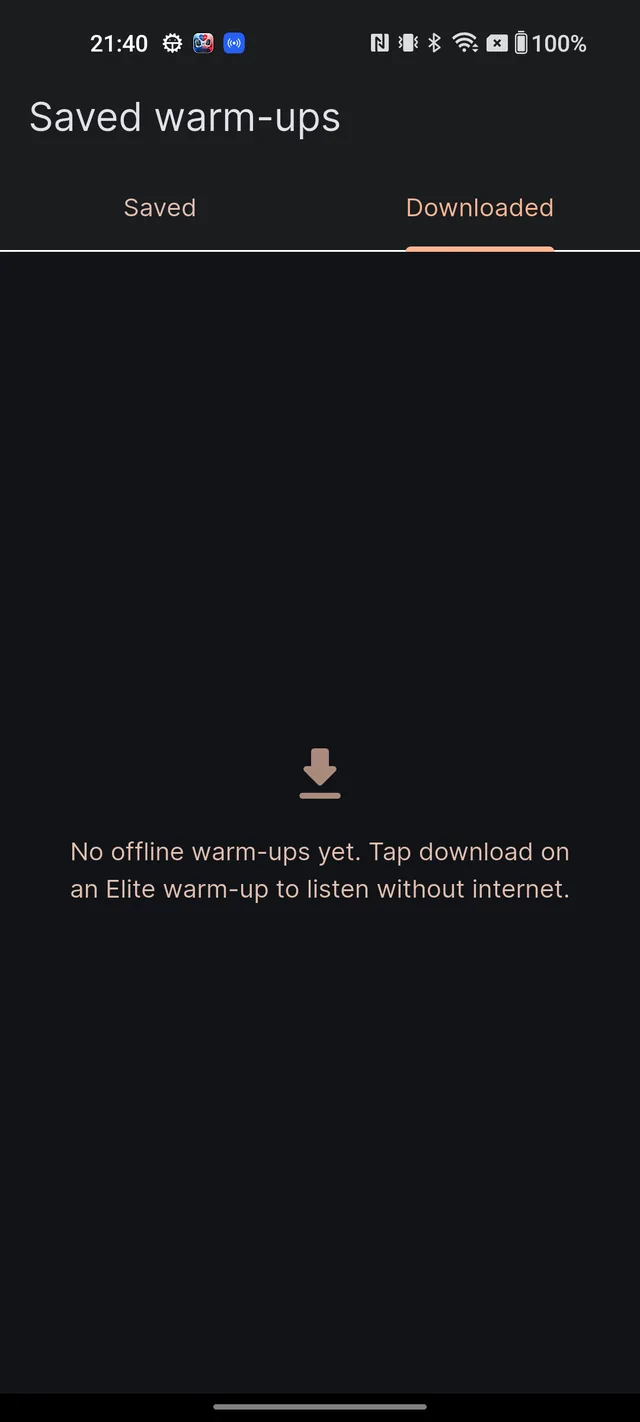
Downloading is an Elite benefit. Tap the download icon on a player; a progress ring runs, then a pin icon and the message "Saved offline — listen without internet." confirm the copy. Downloads appear in the Downloaded tab of the same screen, each row carrying an Offline badge and a remove (trash) icon. Removing asks "Remove download?" and reminds you that you can download it again anytime — choose Keep or Remove.
A few things worth knowing about downloads: they're stored securely inside the app and can't be exported or shared (content protection); they live only on the device that downloaded them; and uninstalling the app removes them. When a downloaded copy exists, the player uses it automatically — playback starts instantly and uses no mobile data.
Frequently asked questions
Why does the audio stop partway through?
On Free, Aspirant and Serious plans you hear a preview — roughly the first third of the warm-up. Full-length playback is a Dooit Elite benefit; the banner under the player shows your exact preview length.
Why is there no audio player on some notes?
Warm-ups are being added topic by topic. If a note doesn't have one yet, the card simply doesn't appear — that's normal, not an error.
How do I listen offline?
On the Elite plan, tap the download icon on the player. Your offline copies live in Profile, under Saved warm-ups, in the Downloaded tab.
Can I share or export a downloaded warm-up?
No. Downloads are stored securely inside the app for content protection — they can't be exported, shared or opened by other apps.
Can I speed up the audio?
Yes. Tap the speed pill to cycle through 1.0x, 1.25x, 1.5x and 1.75x.
Why is the warm-up in English when my app is in Hindi?
Hindi audio is rolling out topic by topic. Until your topic's Hindi version exists, the English warm-up plays with a notice saying the Hindi version is coming soon.
Didn’t find what you needed? We are a small team and we read every message.
Email supportBack to Help Center